
What are we creating?
CC is the AI creative companion inside The Creator Vocabulary. Ask how a look was made, fix a problem mid-shoot, or plan the whole job — on set, in the studio, and in the edit.
 Coming soon
See what CC does →
Coming soon
See what CC does →
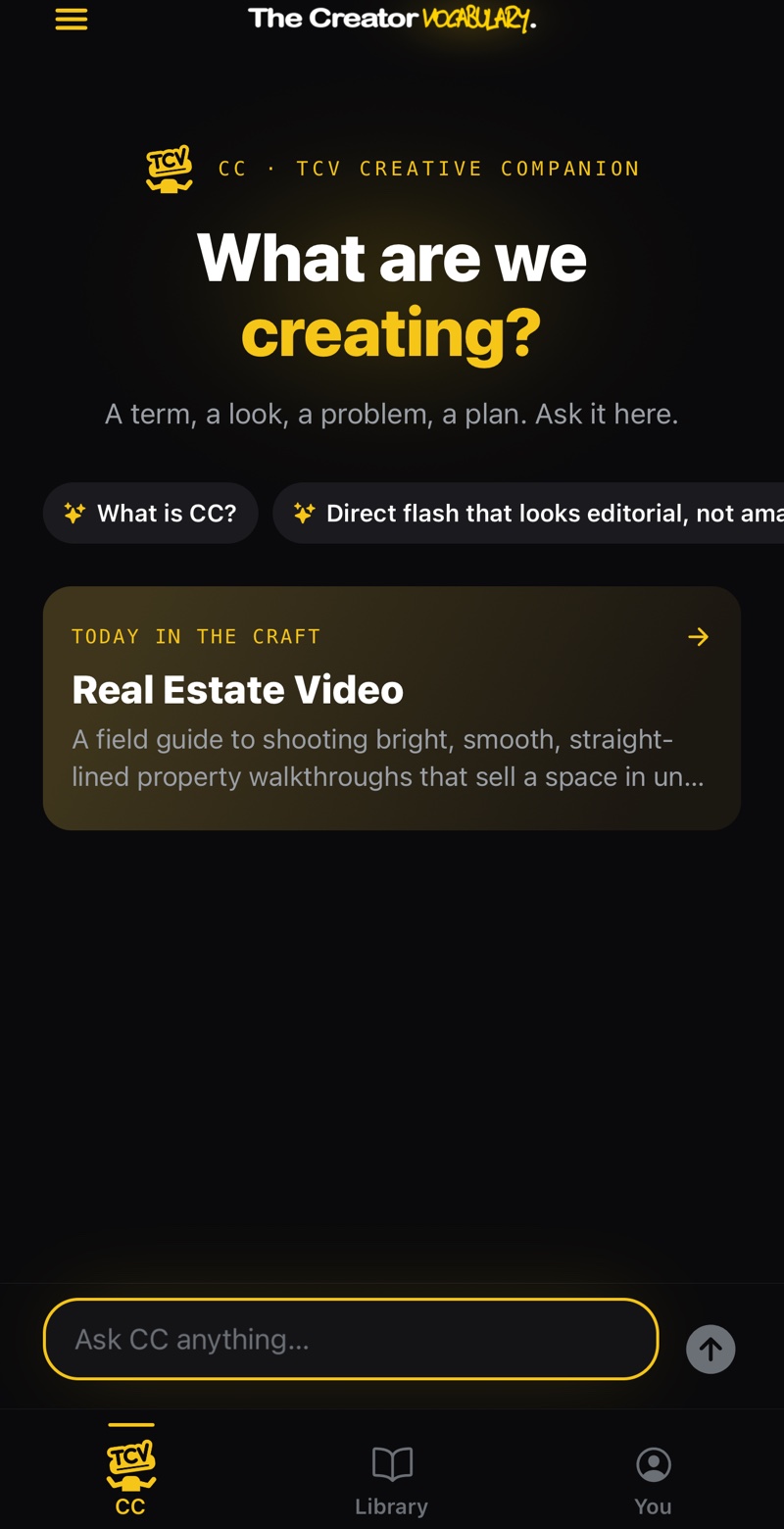
The person on set who knows everything — in your pocket.
CC talks like a working pro, not a manual: real settings, real numbers, and the reason behind them.
Explain it
Any term, technique, or piece of gear, in plain language — then as deep as you want to go.
Break down a look
Describe the shot, the grade, or the sound you’re chasing and CC tells you how it was made.
Fix it now
Muddy mix, flat grade, noisy footage. Say what’s wrong and get the next thing to try.
Plan the job
Shot lists, kits, lighting setups, and workflows built around what you already know.
Every answer is wired into the library.
- Tap any highlighted term to open its full entry without losing your place.
- It remembers the conversation, so follow-ups like “what about at night?” just work.
- It knows what you make. Tell it you’re a photographer learning video and it teaches from what transfers.
Three things do most of the work, and none of them is a filter.
Halation. Film blooms a soft red-orange around bright edges. Add halation before your grade, and keep it subtle.
Grain and texture. Overlay a real 16mm grain scan instead of generic noise, then soften the image slightly — 16mm isn’t sharp.
Shape. Crop to a 1.66:1 or 4:3 aspect ratio, lift the blacks a touch, and finish with a film-emulation LUT.
Shooting it yourself? Lock a 180° shutter angle at 24 fps so the motion matches.
Almost always it’s water. A wet surface steams before it can brown.
Dry it. Pat the steak dry, or better, dry brine it: salt it and leave it uncovered in the fridge overnight.
Heat it. The Maillard reaction needs a properly hot pan. Use an oil with a high smoke point and wait until it shimmers.
Leave it. One steak per pan, and don’t move it for the first couple of minutes. Crowding drops the heat and you’re back to steaming.
Pull it a few degrees early and rest it. Carryover cooking finishes the job.
The same companion in the kitchen.
- Fifteen disciplines, one place to ask. Film, photo, audio and design, plus painting, cooking, dance, fashion and modeling.
- Same grounding everywhere. The highlighted terms open real entries, whether the question is about a lens or a pan.
- It carries across. Ask how plating borrows from composition, or how a dancer should think about the camera.
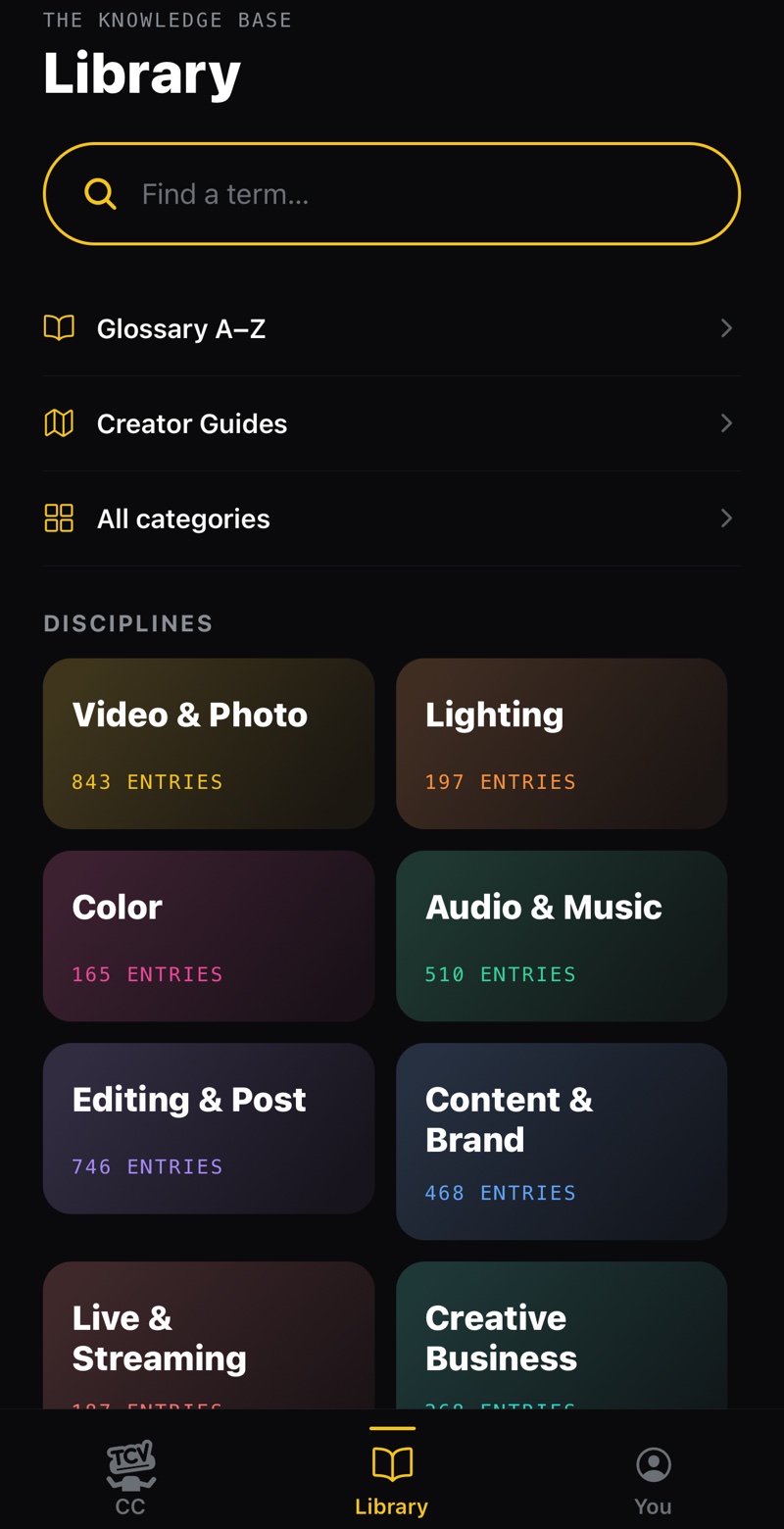
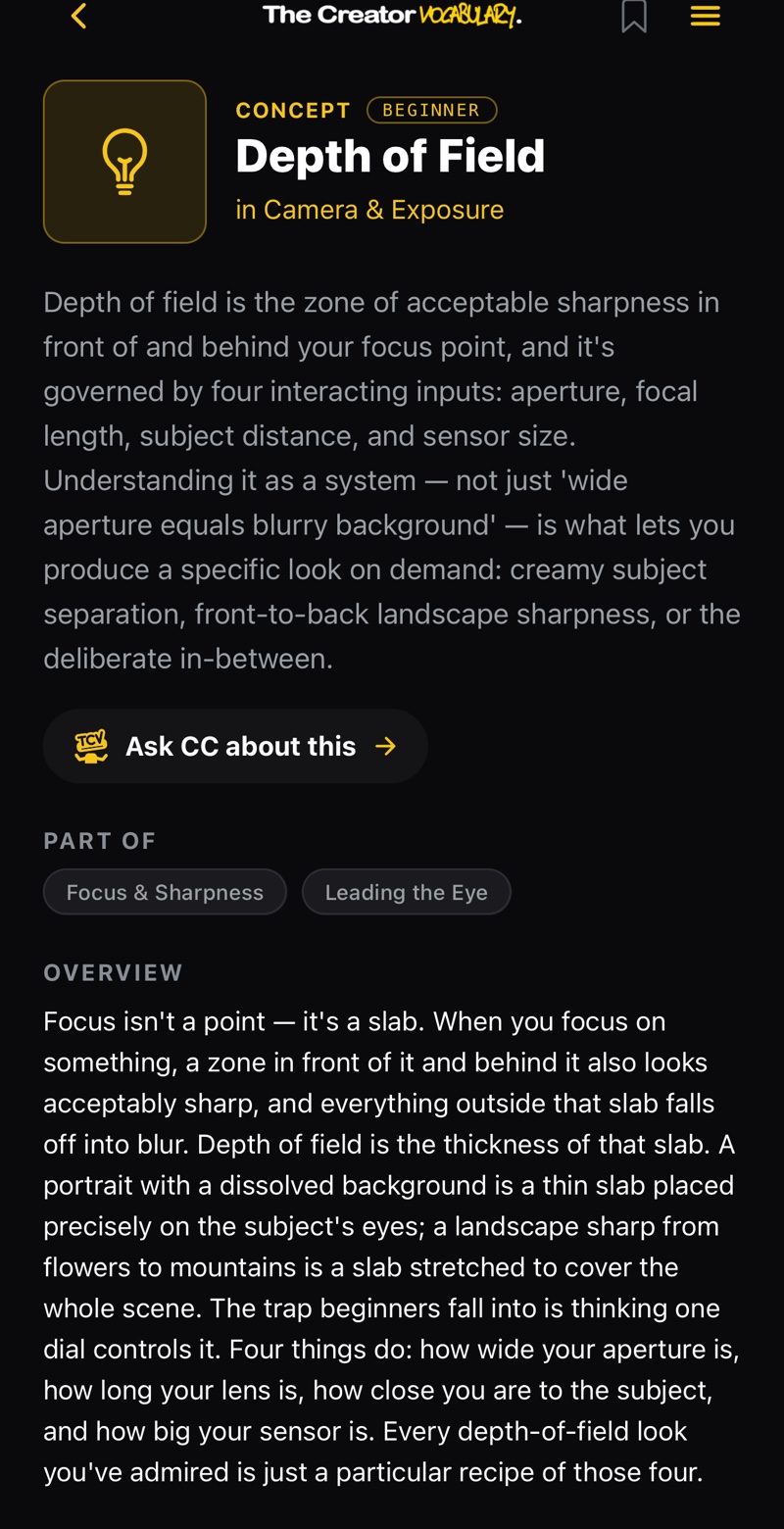
5,000+ terms. Free, forever.
The vocabulary under everything CC says. Search a term, read it in plain language, and get back to work. We never lock a definition.
Start free. Add CC when you’re ready.
Free
- The full library: every term and definition
- Instant search across all 15 disciplines
- Today in the Craft and a daily word notification
- Save up to 15 terms
TCV Pro CC included
- CC, your creative companion: ask anything, keep the conversation
- Creator Guides: field playbooks for real jobs and shoots
- The deeper layer on every entry: how to use it, common mistakes, pro tips
- Unlimited saves, collections, and personal notes
Prices in USD and may vary by region. Billed through the App Store; cancel anytime in your Apple ID settings. More on the Support page.
The short answers.
What is The Creator Vocabulary?
The Creator Vocabulary (TCV) is an iPhone app for people who make things. It pairs CC, an AI creative companion, with a free library of 5,000+ terms, techniques, gear, and guides across video, photo, audio, editing, design, painting, cooking, dance, fashion, and modeling.
What is CC?
CC is the Creative Companion, the AI built into TCV. You ask it a question the way you would ask the most experienced person on set, and it answers with real settings and the reasoning behind them. Highlighted terms in its answers open the full library entry.
Is The Creator Vocabulary free?
Yes. The full library, search, and the daily entry are free, with no ads. TCV Pro adds CC, the full Creator Guides, the deeper layer on every entry, and unlimited saves for $9.99 a month or $59.99 a year.
Who is it for?
Filmmakers, photographers, editors, designers, music producers, podcasters, and content creators, from first-timers to working pros moving into a new discipline. TCV is for ages 13 and up.
Is it available on Android?
Not yet. TCV is launching on iPhone first.
Who makes it?
The Creator Vocabulary is developed by LOVEMYVICES.
Make the thing.
CC’s got you.
The Creator Vocabulary is coming to iPhone, free to download.
Coming soon
Questions? Support →